
Fabric can hold data tables from a variety of data sources in its workspaces and lakehouses. This is great news for Power Platform, because we can now consume this data via virtual tables into dataverse. For those of you, who have used virtual tables in the past and groaned at the complexity of the configuration,Continue reading “Reading Fabric Data into Power Platform via Virtual Tables”
Tag Archives: PowerPlatform
Integrating Sharepoint Document Libraries with Dataverse tables
Whilst this is common with D365 Implementations, its still a really useful addition to any Dataverse solution, where many documents may need to be stored per record. So we need to have a dataverse environment created and ideally with some tables you want to link documents to. Then hop over to Sharepoint. [Note this isContinue reading “Integrating Sharepoint Document Libraries with Dataverse tables”
Controlling Power Platform Data Flows with DLP
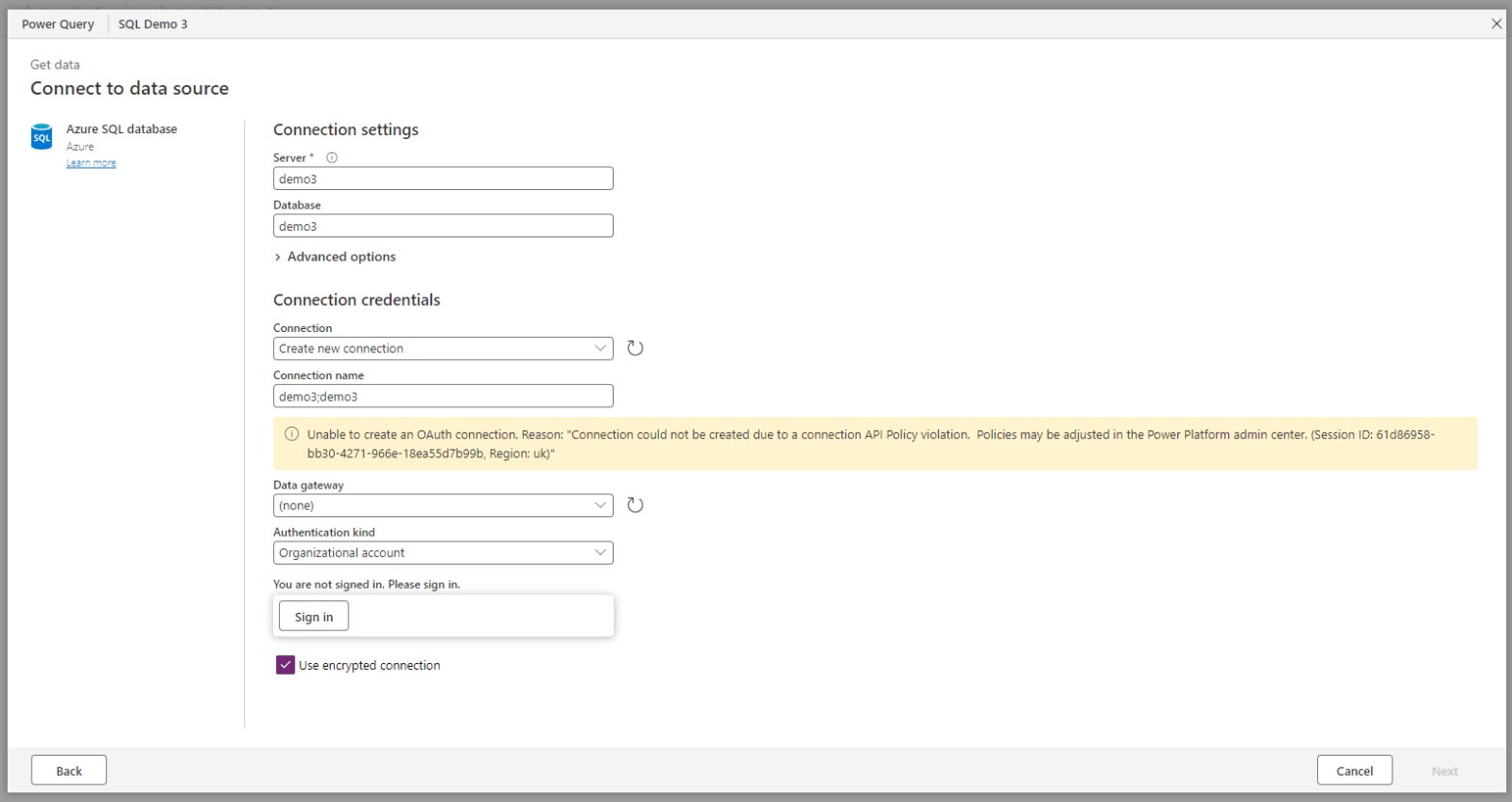
Did you know Power Platform DLP now has control on Power platform Data flows. Lets create a DLP Policy to experiment. Filter the connectors so you only see all the ones that can be blocked Then select all connectors and move them to Blocked Click on clear all filters Select any you want to moveContinue reading “Controlling Power Platform Data Flows with DLP”
Creating The Dataverse Connector in Fabric
Update March 2024: The Link to Fabric can be done from the Tables view in Make.powerapps.com Click on the Analyse drop down and Choose Link to Microsoft Fabric This should auto create the connection for you Then we need to choose our workspace -(Note if it doesnt find your pre-made fabric workspace, your workspaces areContinue reading “Creating The Dataverse Connector in Fabric”
 Platform Guardian